- 1. Connect your wallet
- 2. Install your discount code
- 3. Create your USA Wallet account
- 4. Buy Cryptocurrency
Connect your wallet
The first step is to connect your wallet. USA Wallet supports the Google Chrome browser, Safari browser, and Mozilla Firefox browser. Please choose the browser you are currently using. To verify the browser you are using, please match the logo of your browser to the logo on the icons.
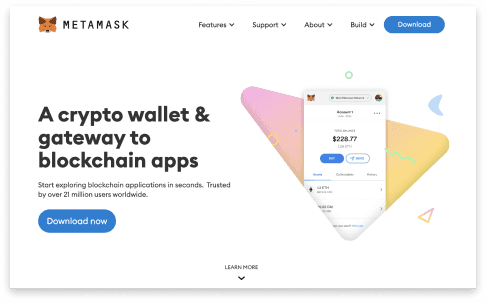
Now click “Install Metamask” and follow the instructions as they pop up. Remember to write down a copy of your Secret Recovery Phrase. We recommend keeping at least two copies, one in a fireproof container and another on a USB flash drive. If you lose your Secret Recovery Phrase you will lose access to all of your Digital Assets. Once the selected version has been added to your browser please click the next button below.